Displaying a comma/semicolon separated list of emails
I’m doing this on a custom object, odds are you will want this on campaign member. So where you see ‘worker’, use ‘campaign member’.
4 steps
- lookup the records and add to sObject collection
- loop through them
- use an assignment element to add the loop variable email to a text variable
- display the text variable in a screen
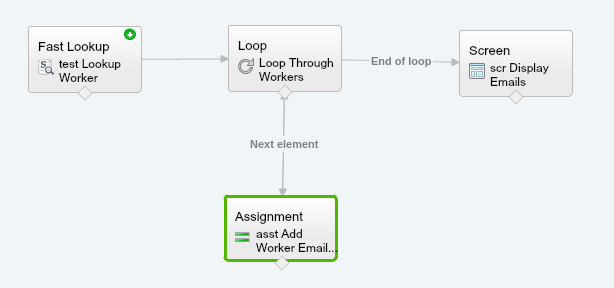
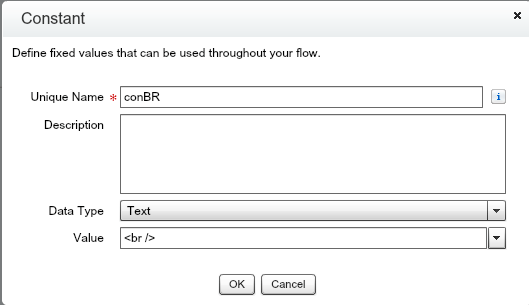
most of the magic happens in the assignment element, where i add the email to a text variable with a semicolon, and use a constant to add a line break
assignment element

constant
and here is the result

If you want to get fancy and let users select records from a list view and only export those, you can do that using the approach illustrated by Sir Andrew Fawcett here : https://andyinthecloud.com/2014/06/04/more-power-to-your-flows-in-summer14/
0
Kudos
0
Kudos